

Pay your team through your Dashboard
- Go to Dashboard → Team.
- Select the Pay button next to the person you want to pay.
- Enter the amount you want to send.
- Select the Balance you’ll send the payment from.
- Add a note (optional).
- Select Send to send it.
The total amount you send includes the 3% fee.

Pay your team through their profile
You can also send money to any Whop user through their profile — even if they’re not on your team.- Select the user’s profile picture.
- If you know their username, go to their profile by entering whop.com/@[username] in your browser (e.g. whop.com/@George).
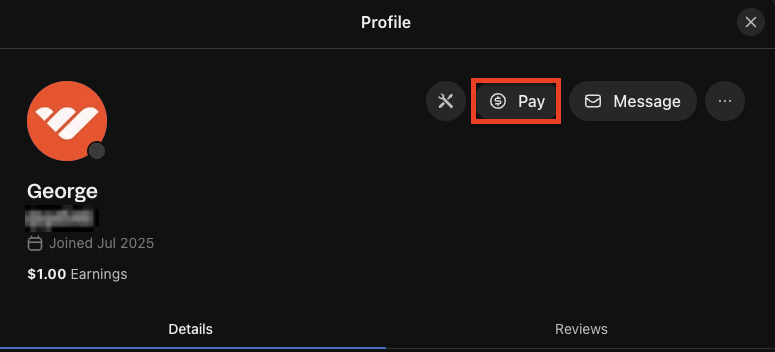
- On their profile, select the Pay button next to Message.
- Fill out the payment details:
- Enter amount: Type how much you want to send.
- Select the Balance you’ll send the payment from.
- Write a note: Add a note (optional).
- Select Send to send the money.