Affiliates
Set Up Global Affiliates
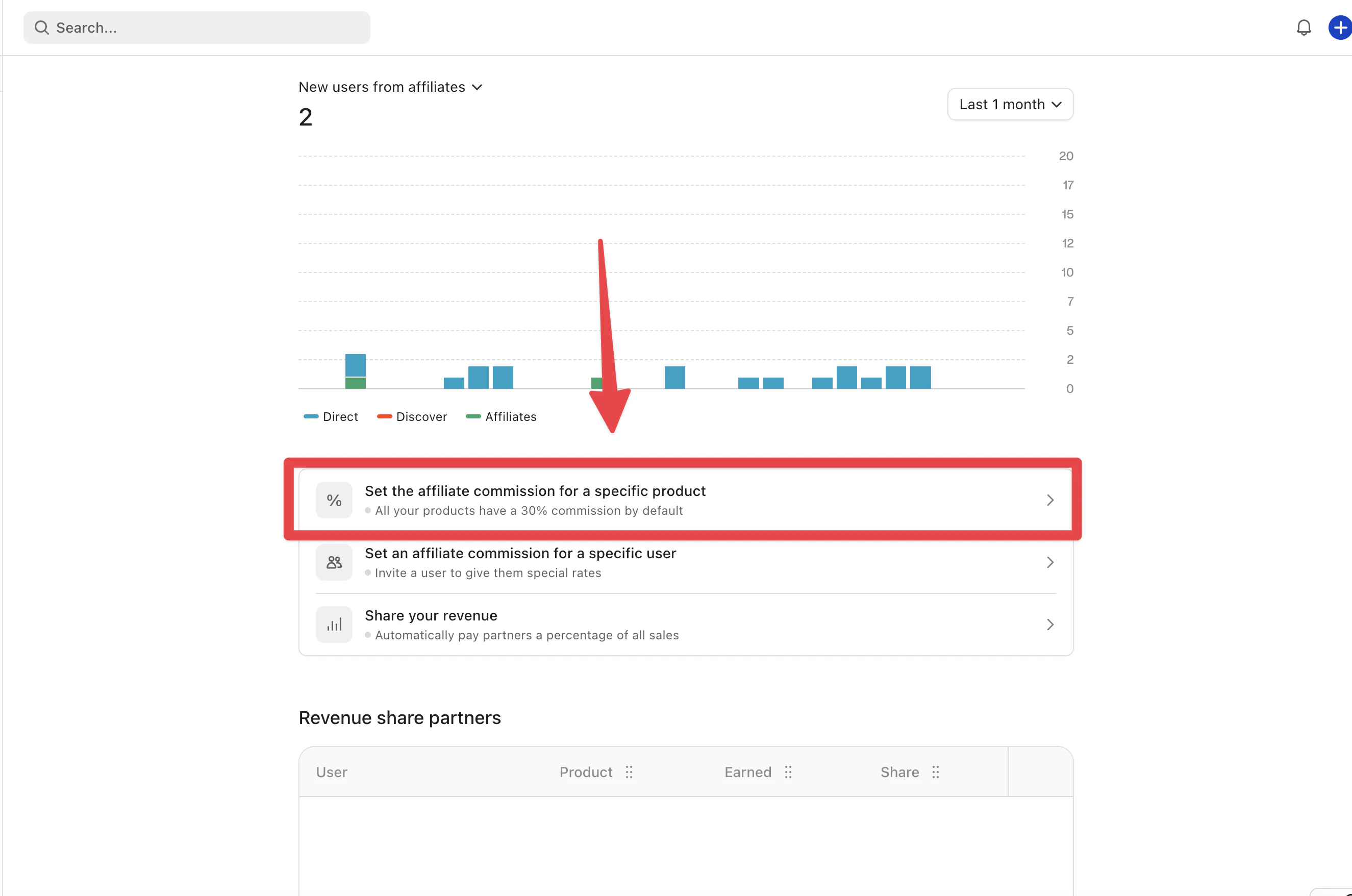
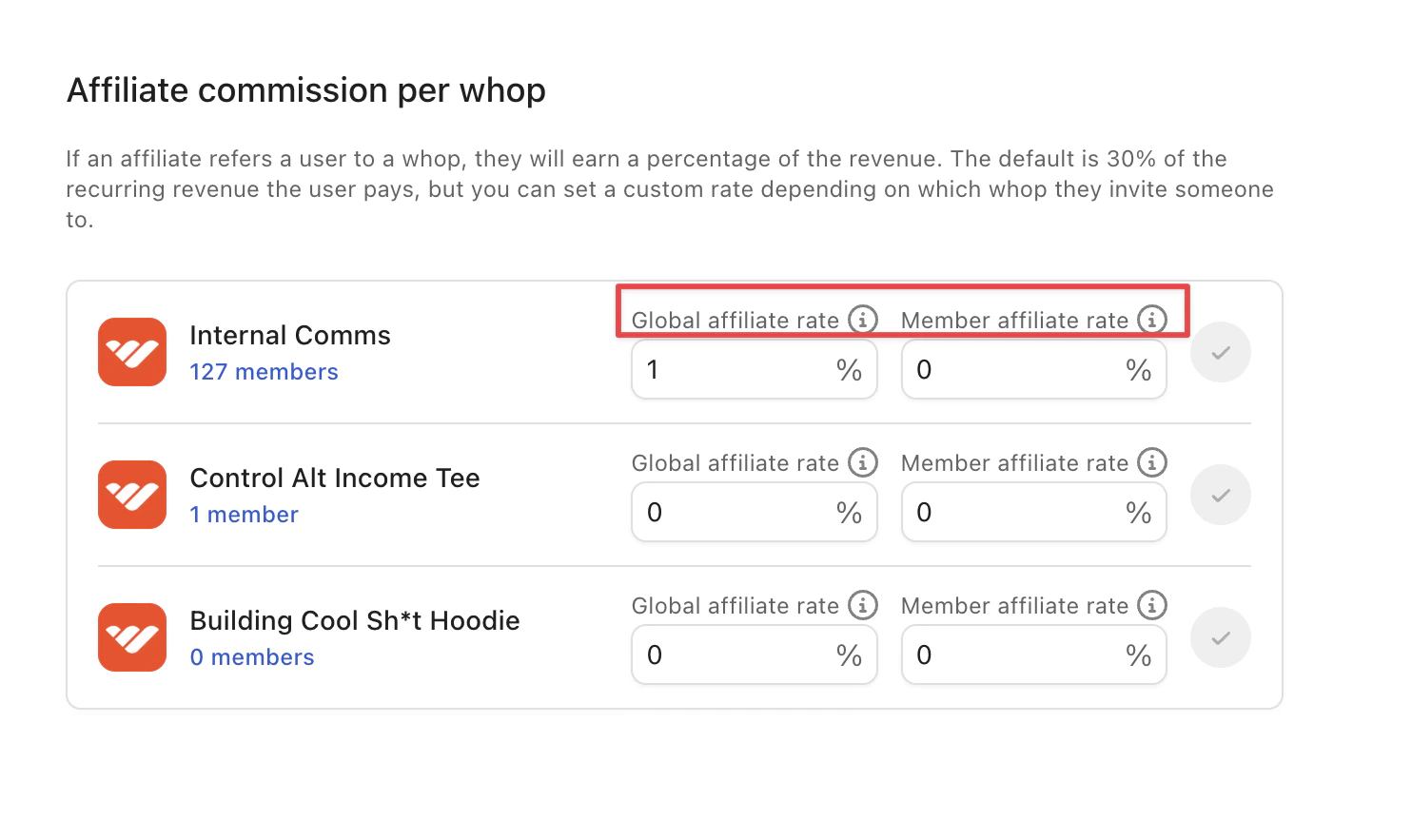
Global affiliates promote your product across the Whop marketplace at a default 30% commission. Change the Global and Member Affiliate Rate per product.
Whop uses global affiliates by default to promote your business across the Whop marketplace. After you list your product, any affiliate in Whop’s network can promote it for a default 30% commission without extra setup.
Affiliates can get a unique referral link and start promoting your business right away. These links track conversions and payouts, which can increase your exposure and sales without additional effort.
You can also choose a custom global commission rate for users who have already purchased a membership to your existing offer. This gives your most engaged customers an opportunity to become affiliates themselves.